For the past few years I have been a Diffit Ambassador. Diffit is an AI-powered teaching tool that helps educators quickly create differentiated, curriculum-aligned learning materials. When I first became an ambassador, what I liked best about the program was that you could level a particular reading to best reflect the students in your class. Since that time, the platform has grown more robust and includes all kinds of features. It’s a great resource for the teacher who doesn’t have a classroom textbook or is looking to supplement their lessons with diverse student activities.
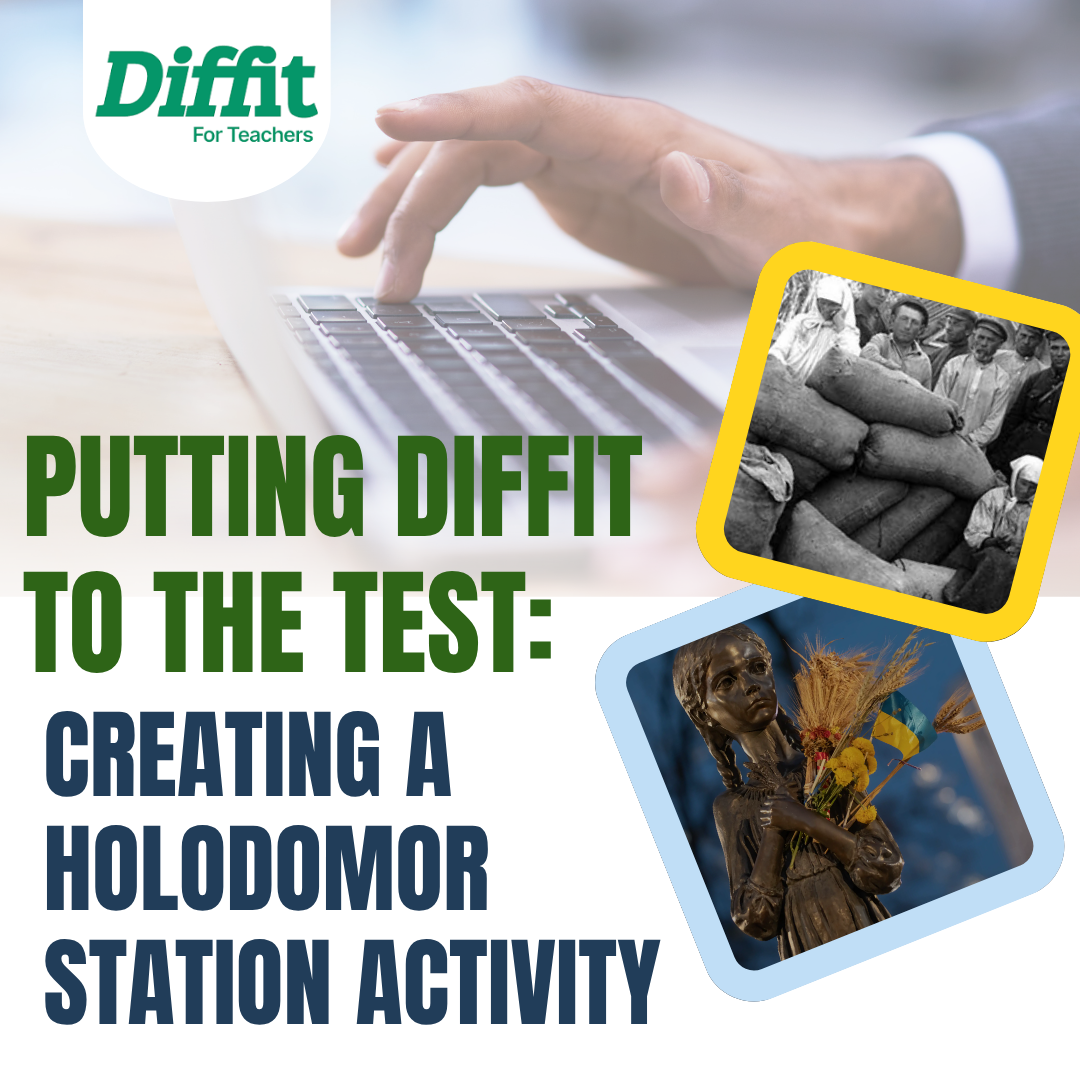
In renewing my ambassadorship, I had to create a lesson and modify it in order to explore what the platform had. This year CHC2D has had some curriculum extensions added relative to the Holocaust, the experiences of Black Canadians and the impact of the Holodomor famine. It was the Holodomor famine and the expectations of C3.4 that I decided to focus my activity development on.
When you first start with the Diffit platform, you are asked to put in a prompt. This is like many AI programs in that the better your prompt the better the resource you will receive in return. I copied the curriculum expectation and added that I would like to have the activity be collaborative, technological where possible and include primary source analysis. The following screens asked to further refine what I was looking for and one of the options offered was task cards and stations. I selected this, as I’m a big fan of stations and gallery walks and the next screen asked how much time would I want the students to spend on each station. I selected 5-7 minutes, but the range in times went to around 45 minutes each.
From there Diffit created a lesson for me. It was a multi-page station activity, focused on primary sources, pulled from real resources. It also included an answer key.
What I liked about the activity: I was able to further refine one of the stations I wasn’t particularly happy with by using the chatbox at the left hand side. Each station did include great primary sources, which painted an accurate picture of the Holodomor experience and it linked in Canada by pointing out that there are memorial statues in several cities and it had students consider why a memorial would be important to the diasporas outside of Ukraine.
What I didn’t like about the process: As I mentioned earlier, I wanted there to be a technological element. I found this part to be lackluster. The QR codes meant to link to an artifact or online exhibit didn’t seem to work, and when I had the chatbox try to fix it, it made it even worse by replacing the QR code with an indiscernible image. In another part it instructed the students to visit a site to answer a question, but there was no indicated link for the student to click. I also found that the image selected for the photo analysis in station 5 to be very small and ultimately difficult for the students to fully see. In my own copy I changed the image to be larger and included a close up of the child’s face.
Overall the positives for me outweighed the negatives. Diffit is a great way to create an activity quickly and you can use videos, readings and primary sources as a starting point to any activity. They have tons of templates you can use to develop your own resources.
If you are a first year teacher, Diffit offers free access and according to this page non-first year teachers can also get free premium access.
If you already have an account with Diffit and want to tinker with my template on the Holodomor, here is the link to it. If you’d rather just a copy of my edited resource, you can find it here.
Resources: